





Game Instructions
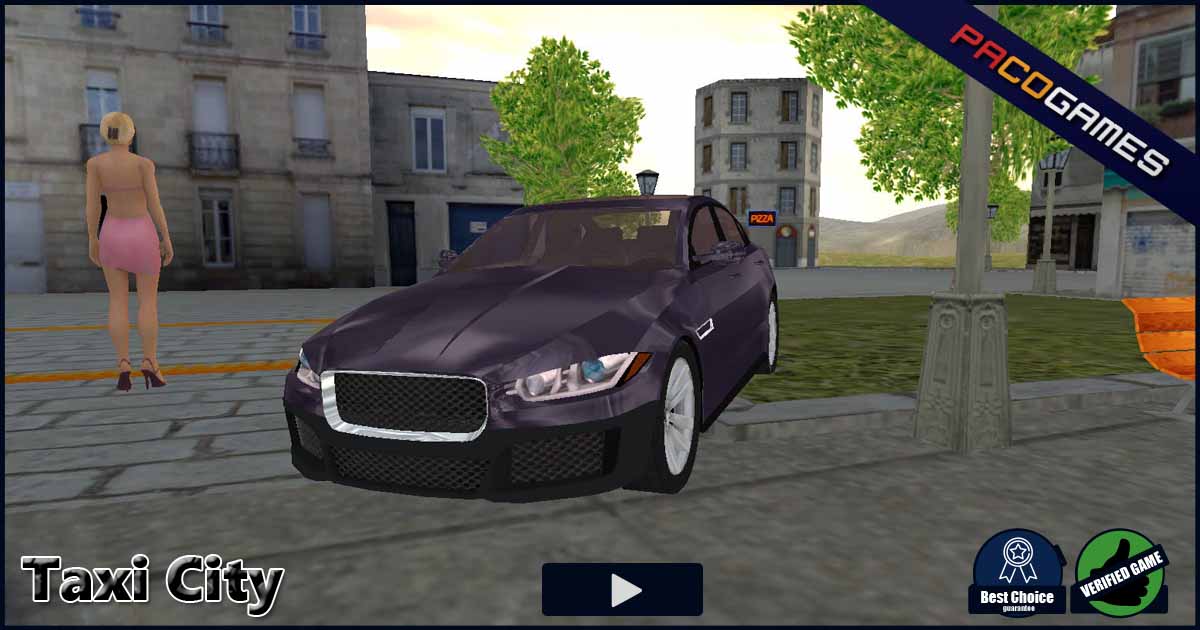
*WASD* = driving*1**2**3**4* = mobile*i* = ignitation*c* = camera*space* = handbrake*y* = accept customer*n* = reject customer*h* = display direction hint*mouse*camera hotkeys:*q* = look left*e* = look right*r* = look back
Do You Like This Game?
Embed this game on your Website:
More Games
-
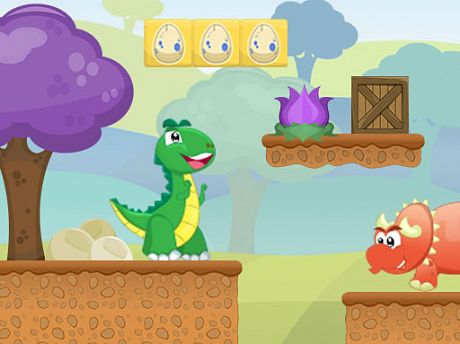
Little Dino Adventure Returns
Little Dino Adventure Returns es un juego de plataformas 2D sumamente divertido y desafiante, similar a los juegos exitosos como Super Mario, Donkey K [...] -
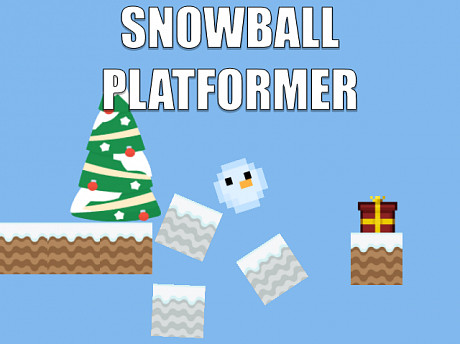
Snowball platformer
Hibernal game. Assume the role of a snowball and finish all 25 stages. Assist Snowball in gathering all the gifts! Festive physical platformer with ri [...] -
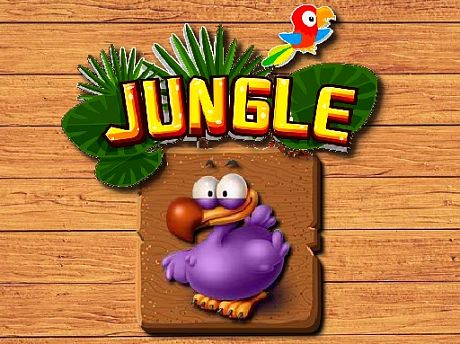
jungle-matching
Jungle Matching es un divertido juego en HTML5 para niños que puedes jugar gratis. El objetivo del juego es localizar todas las imágenes coincidentes [...] -
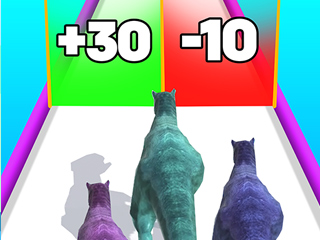
Dinosaur Runner 3D
Dinosaur Runner 3D involves accumulating additional dinosaurs to form a dinosaur legion and conquer your adversaries. Gather the dinosaurs and navigat [...] -

GTA Car Rush
Revitalize your motors and plunge into the exhilarating realm of GTA Car Rush, an incredibly enjoyable and complimentary online racing game ideal for [...] -
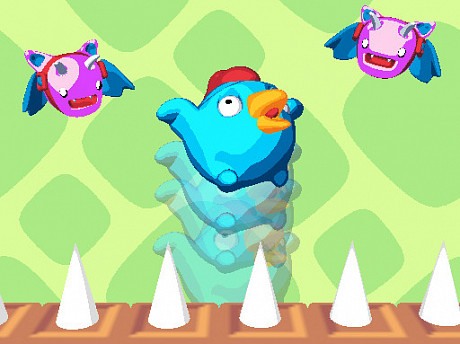
Bouncing Chick
In Bouncing Chick, your objective is to arrive at your nest as quickly as possible while steering clear of obstacles and dangers. Ascend to the pinnac [...] -
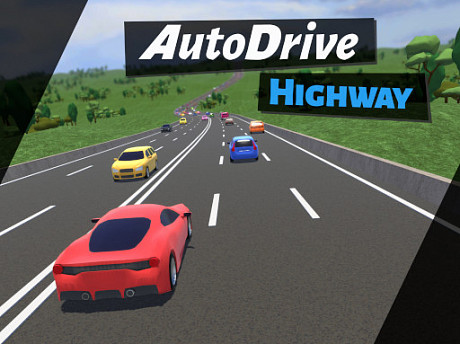
Auto Drive: Highway
¿Hasta dónde puedes llegar? Demuestra tus habilidades esquivando el tráfico y estableciendo tu récord. Atraviesa millas para desbloquear y descubrir d [...] -
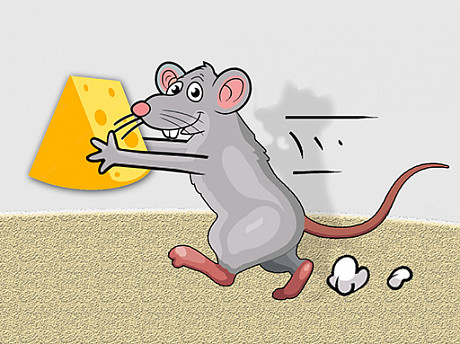
Jet Micky
Jet Micky is extremely famished and requires nourishment. Each segment contains 3 pieces of cheese. Micky desires to consume these cheeses without fal [...] -
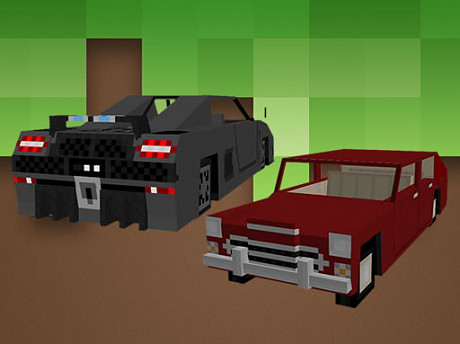
Minecraft Cars Jigsaw
Minecraft Cars Jigsaw é um jogo gratuito online do gênero quebra-cabeça e jogos de jigsaw. Você pode escolher uma das 12 imagens e, em seguida, optar [...] -
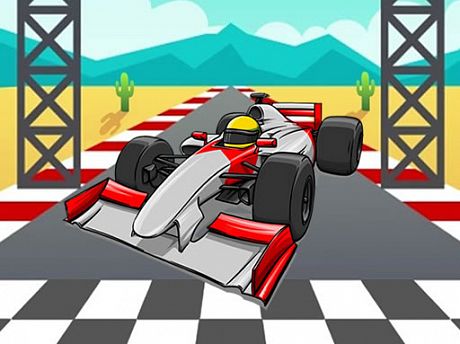
Formula Jigsaw
Formula Jigsaw es un entretenido juego de rompecabezas en línea. Arrastra las piezas a la posición correcta utilizando el ratón. Resolver rompecabezas [...]


